Physical Address
304 North Cardinal St.
Dorchester Center, MA 02124
Physical Address
304 North Cardinal St.
Dorchester Center, MA 02124
Talk is Cheap, Let’s Do the WordPress!
Talk is Cheap, Let’s Do the WordPress!
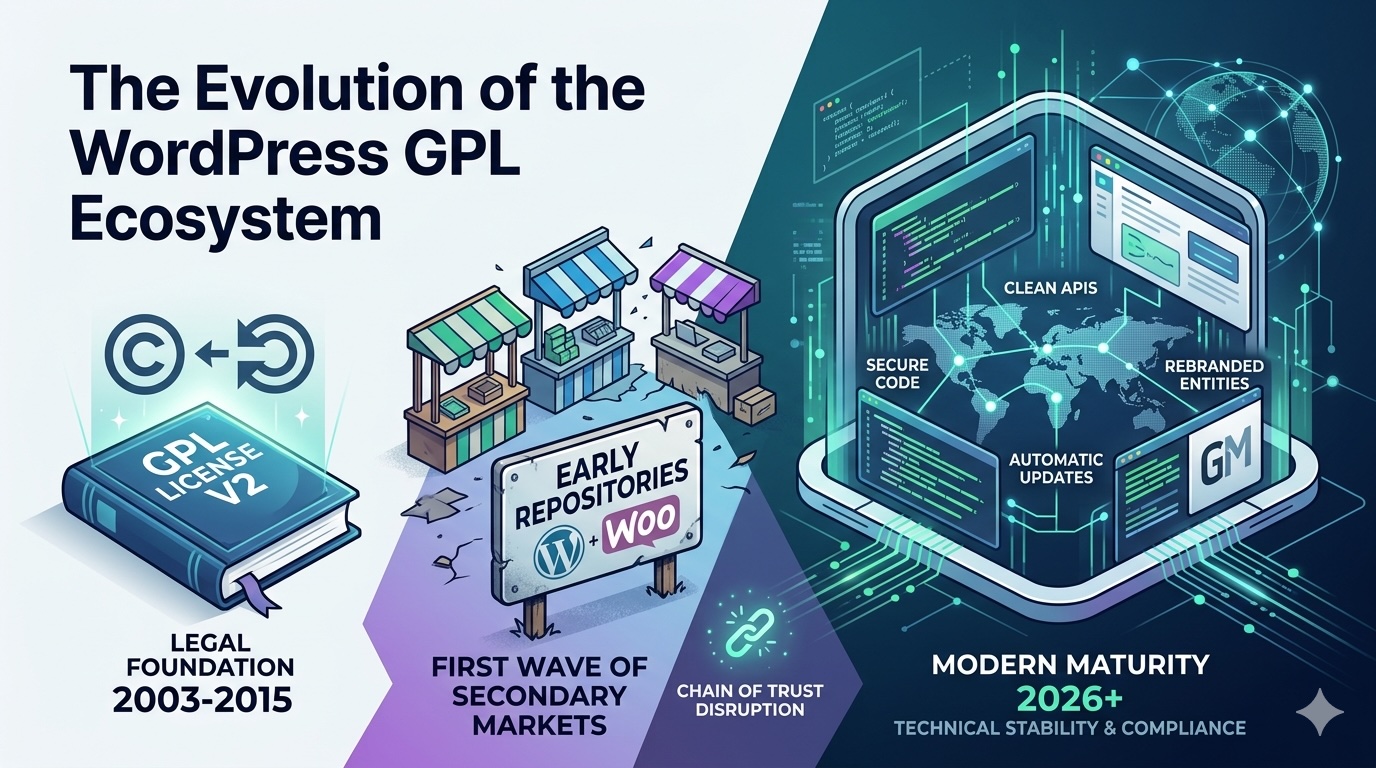
The WordPress ecosystem is built on the GNU General Public License (GPLv2). This license carries a “copyleft” nature: since WordPress itself is GPL, any derivative work (like plugins and themes) must also release its PHP components under the same license.
This legal framework gave birth to the GPL Subscription industry. These platforms purchase original licenses and redistribute them at a fraction of the cost. While legally compliant under copyright law, this model has sparked a decade-long friction between independent developers, Automattic (the steward of WordPress), and redistribution hubs.
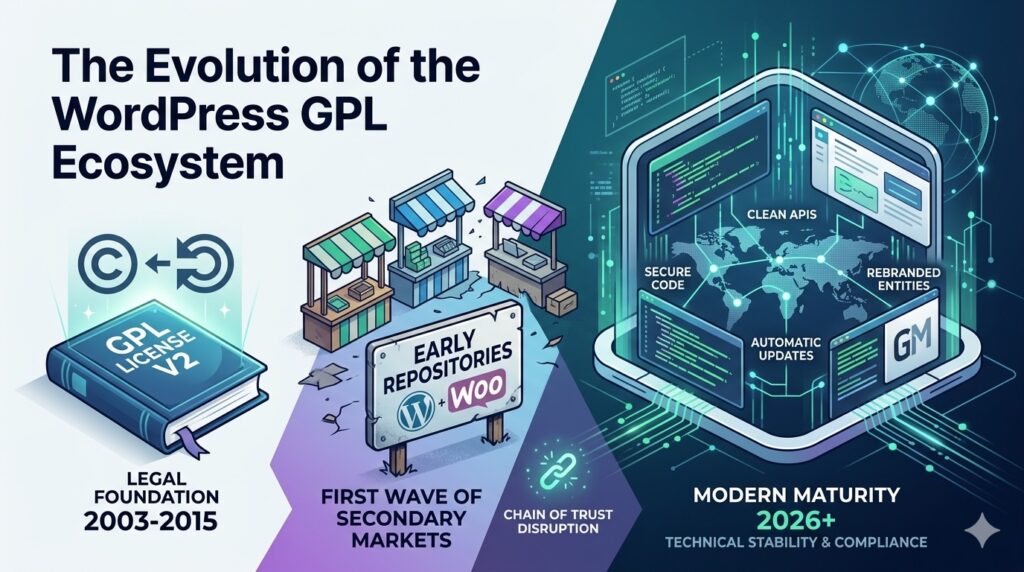
For years, FestingerVault was the gold standard of GPL platforms, known for its massive library and seamless automation. However, its story took a dramatic turn in 2025.
As the industry matures, the competition has shifted from “who has the most files” to “who has the best technology.” Here is how the leading platforms compare:
| Provider | Library Size | Core Strength | Auto-Update Quality | Best For |
|---|---|---|---|---|
| GrootMade Connect (Ex-FestingerVault) | 15,000+ | Best Integration. Their proprietary dashboard plugin offers a near-original experience. | ✅ Exceptional | Professional Developers |
| Srmehranclub | 40,000+ | Massive Volume. Includes scripts for Shopify, Joomla, and PHP in addition to WP. | ✅ High | Agencies & Bulk Users |
| PluginsForWP | 11,000+ | Safety First. Renowned for clean files and a transparent refund policy. | ✅ Stable | Security-Conscious Users |
| GPL Chimp | 5,000+ | Micro-Purchases. Allows buying single items (approx. $4.99) without a sub. | ✅ Good | Single-Project Users |
The FestingerVault/GrootMade saga highlights a key trend: The “SaaS-ification” of GPL.
Leading platforms are no longer just file repositories; they are service providers. They offer automatic updates, technical support, and staging environment management. Meanwhile, original developers are fighting back by moving core features to “Cloud-only” APIs, which GPL versions cannot easily replicate.
Using GPL plugins can be a great way to save costs, but it introduces a “broken chain of trust” since you aren’t receiving files directly from the developer.
Here is a Security Checklist to follow before installing any GPL plugin on a live site:
1. Pre-Installation: Verification & Source
.zip file through VirusTotal. It checks the file against 70+ antivirus engines to detect hidden “web shells” or backdoors. 2. Sandbox Testing (The “Golden Rule”)
eval(), base64_decode(), or str_rot13(). While not always malicious, these are often used to hide malicious scripts. 3. Server-Level Protection
define( 'DISALLOW_FILE_EDIT', true ); to your wp-config.php. This prevents a compromised plugin from being used to edit other theme or plugin files via the WP Dashboard.4. Risk Mitigation & Logic
Pro Tip: If you are building a site for a paying client, always include the cost of original licenses in your quote. GPL is excellent for your own testing and internal projects, but the “Peace of Mind” of an original license is worth the investment for professional production environments.
While GPL platforms offer immense value for testing, prototyping, and low-budget projects, they come with trade-offs—mainly the lack of direct developer support and delayed updates.
For production-ready business sites, purchasing a direct license remains the safest bet. However, for developers managing multiple staging sites or learners exploring premium tools, the “new breed” of platforms like GrootMade provides a highly efficient, tech-driven middle ground.